Professional WordPress Translation Plugin
Translate your WordPress content into 100+ languages with AI-powered accuracy. One-click translation, bulk processing, and real-time status updates.
Explore Features See How It Works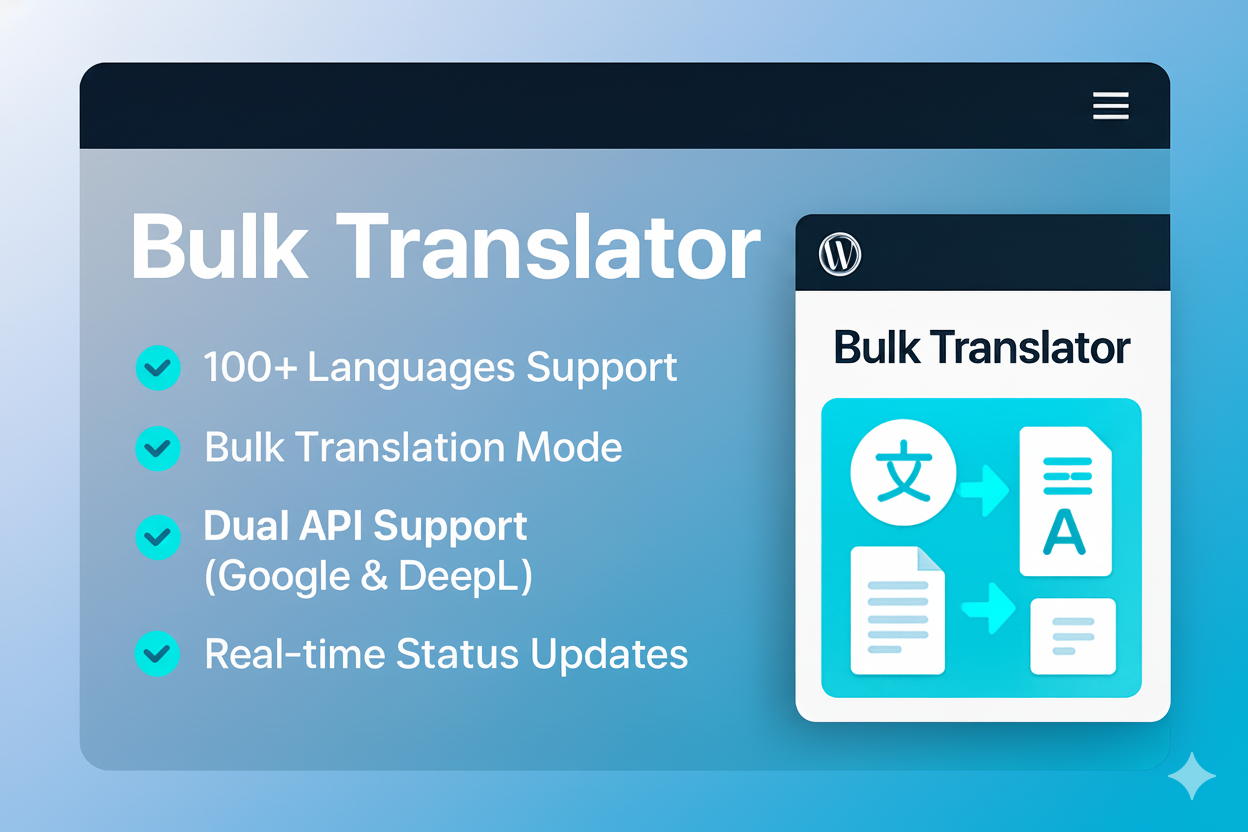
Translate your WordPress content into 100+ languages with AI-powered accuracy. One-click translation, bulk processing, and real-time status updates.
Explore Features See How It Works
Everything you need to make your WordPress site multilingual with professional quality translations
Translate your content into over 100 languages worldwide, reaching a global audience with ease.
Instantly translate posts, pages, and products with just a single click. No technical knowledge required.
Translate multiple posts at once with our efficient bulk translation feature. Save hours of manual work.
Monitor translation progress in real-time with our intuitive interface. Know exactly when your content is ready.
Maintains your content's structure and formatting. No need to reformat after translation.
No character limits on translations. Translate as much content as you need without restrictions.
Works seamlessly with Posts, Pages, and WooCommerce Products. Translate all your content types.
Experience a smooth, modern user interface with AJAX-powered interactions. No page reloads needed.
Choose between Google Cloud AI and DeepL Pro translation engines for optimal results in different languages.
Viper Translator is a professional WordPress translation plugin designed to make your content accessible to a global audience. Developed with precision and user experience in mind, our plugin leverages cutting-edge AI technology to deliver accurate translations while preserving your content's formatting and structure.
With support for over 100 languages and dual API options (Google Cloud Translation and DeepL), Viper Translator offers unparalleled flexibility and quality. Whether you're running a blog, e-commerce store, or corporate website, our plugin streamlines the translation process, saving you time and resources.
Version 2.0.0 represents our commitment to continuous improvement, featuring a modern interface, bulk translation capabilities, and real-time status updates to enhance your workflow.
Get started with Viper Translator in just a few simple steps
Download the plugin ZIP file, go to WordPress Admin → Plugins → Add New, click "Upload Plugin", select the ZIP file, and activate it.
Navigate to Viper Translator → Settings and configure your API credentials. Choose between Google Cloud Translation API or DeepL API based on your preferences.
Edit any post, page, or product, look for the "Viper Translator" meta box in the sidebar, select your target language, and click "Translate Now".
Navigate to Viper Translator → Bulk Translator, select multiple posts you want to translate, choose target languages, and click "Translate Selected Posts". Monitor progress in real-time.
Once translation is complete, review the translated content for accuracy, make any necessary adjustments, and save or publish your multilingual content.
Take a look at the clean and intuitive interface of Viper Translator
Find answers to common questions about Viper Translator
Viper Translator supports both Google Cloud Translation API and DeepL API. You can choose between these two providers based on your specific needs and preferences. Both offer high-quality translations with support for over 100 languages.
Viper Translator itself does not impose any character limits on translations. However, the API providers (Google Cloud Translation and DeepL) may have their own pricing tiers based on usage. Google offers 500,000 characters per month for free, while DeepL offers a free tier with 500,000 characters/month limit.
Yes, Viper Translator is fully compatible with WooCommerce. You can translate product titles, descriptions, attributes, and other product-related content with just a few clicks.
Absolutely! Viper Translator is designed to preserve your HTML formatting, including headings, lists, links, and other structural elements. This ensures your translated content maintains the same appearance and functionality as the original.
Yes, Viper Translator includes a powerful bulk translation feature that allows you to select and translate multiple posts, pages, or products simultaneously. You can monitor the progress of each translation in real-time through the intuitive interface.